What should I pay attention to before installing and deploying a wireless AP?
Related Product:
Product Related
Bridge Wireless:Wireless Bridge
 Copy
Copy
1. Preparation before installation
1. Determine the installation location: The choice of the installation location of the wireless AP has a great impact on the size of the coverage range, that is, the strength of the signal. The installation location of the AP should be as high as possible to obtain a larger coverage range so that the signal can be transmitted farther. The installation location should be selected as much as possible without obstacles, such as walls, doors, etc., to ensure that the signal can be effectively transmitted.
2. Determine the installation environment: The installation environment of the AP is also an important factor affecting the coverage range. If there are a large number of metal objects in the installation environment, such as iron pillars, steel bars, etc., the propagation of the signal will be affected. Therefore, the installation environment should also be selected in a place without a large number of metal objects to maximize the propagation distance of the signal.
3. Determine the installation method: The installation method of the AP is divided into two types: outdoor and indoor. The AP installed indoors can use a fixed base to fix the AP to the wall with screws. The outdoor installation can be installed with a bracket to fix the AP on the bracket to ensure that the AP can be firmly fixed in a certain position.
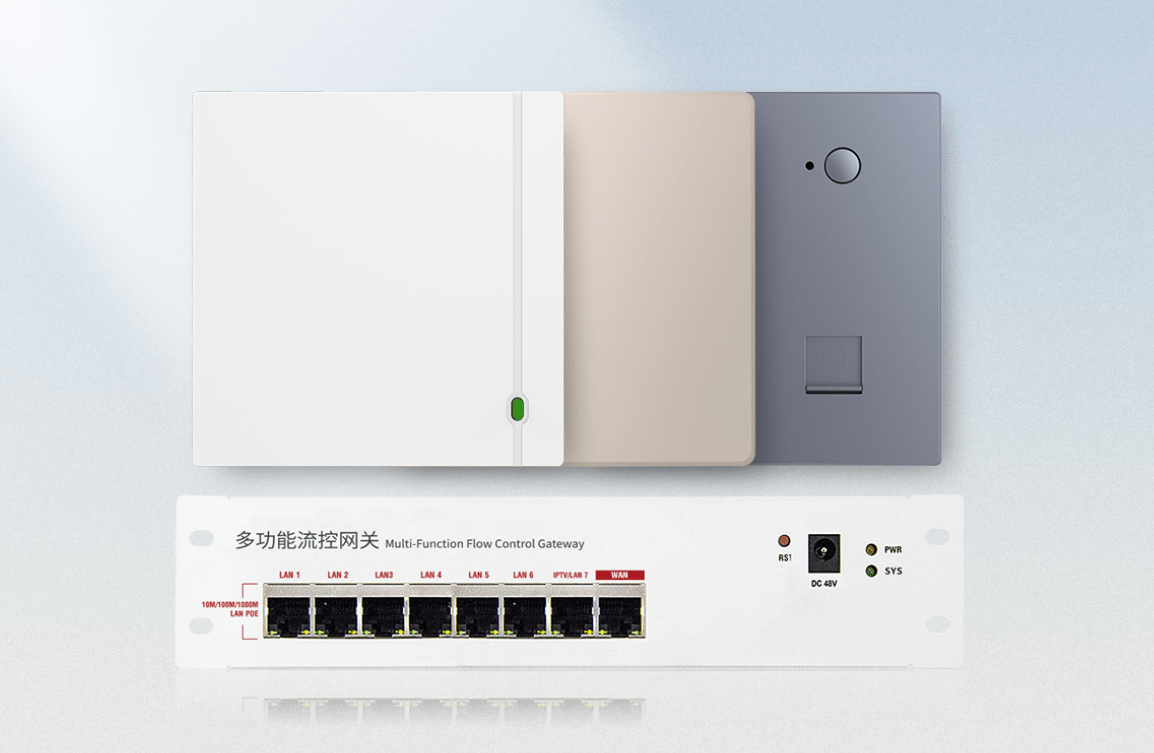
2. Installation steps
1. Prepare installation materials: Before installation, you need to prepare installation materials, including wireless AP, power supply, mounting bracket, etc. During installation, you should pay attention to the working status of all equipment to ensure the integrity of the installation.
2. Install AP: Before installing AP, check whether the connection interface of AP is complete. If it is complete, install it in the specified location. If it is installed outdoors, use the bracket to fix the AP in the specified location. If it is installed indoors, use the fixing base to fix the AP on the wall to ensure that the AP can be firmly fixed in a certain location.
3. Connect the power supply: Connect the power supply of AP, use the power cord to connect the AP to the power supply, ensure the safety of the power supply, so that the AP can work normally.
4. Set AP: Set the working mode of AP, such as whether AP is used to access wireless clients or wired networks. After the setting is completed, connect the AP to the wired network to achieve wireless network connection.
Share


